
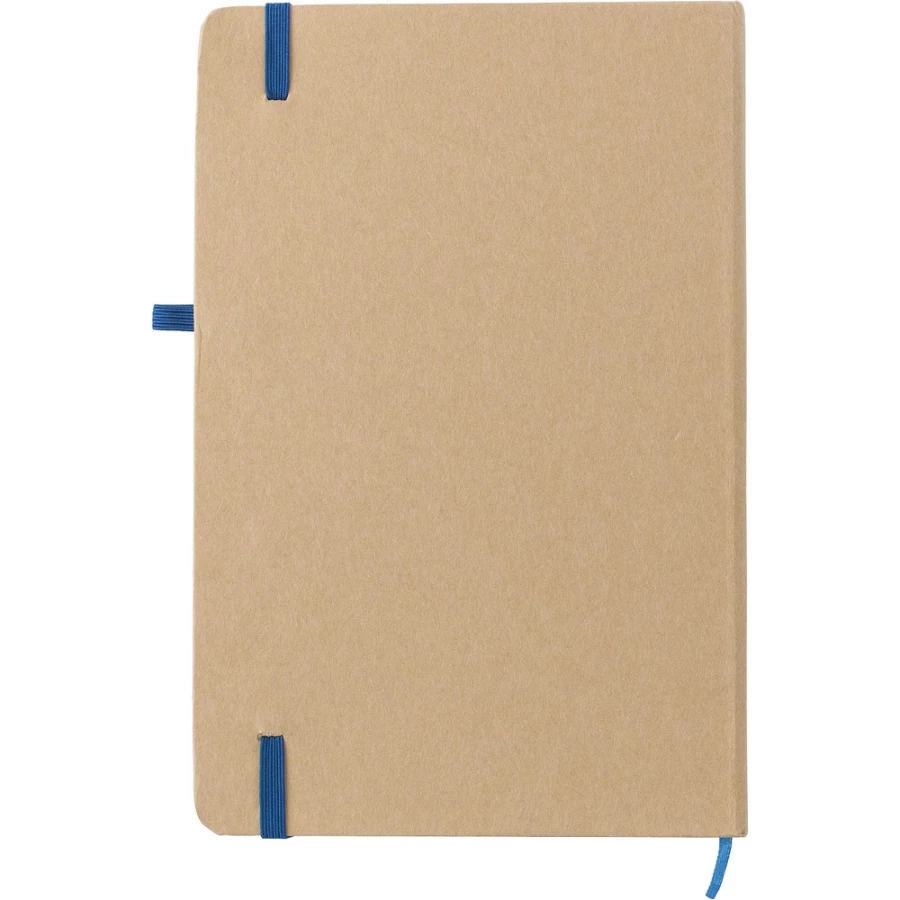
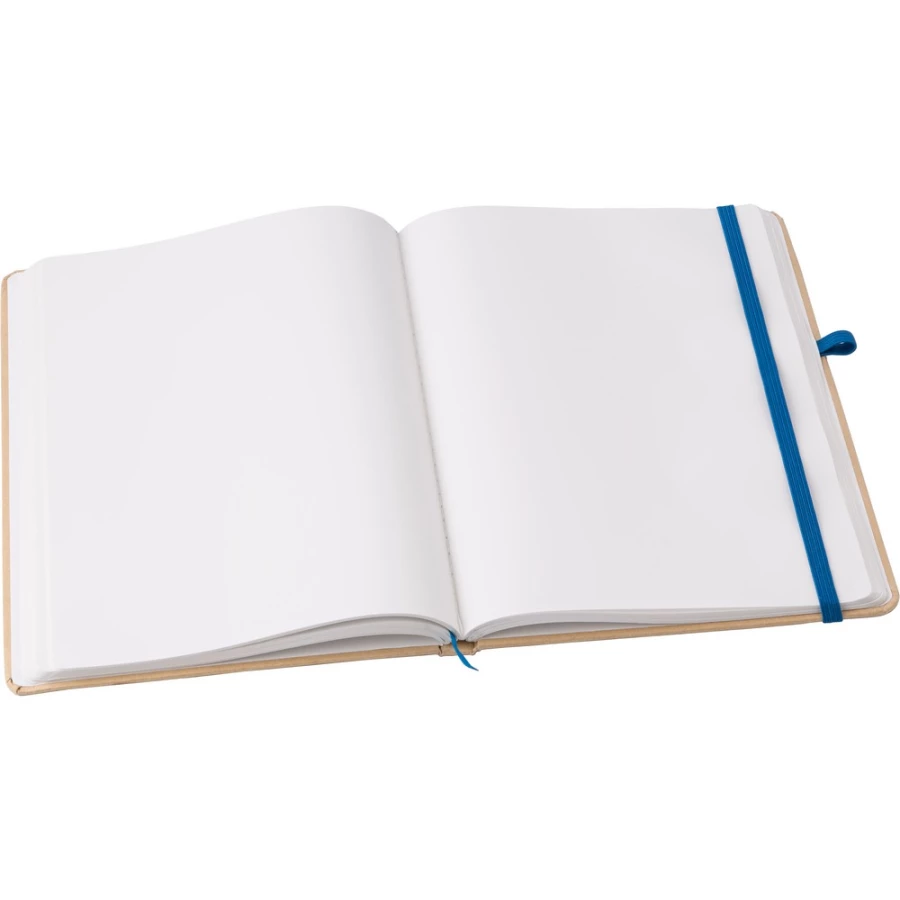
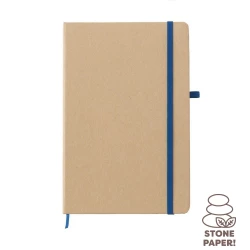
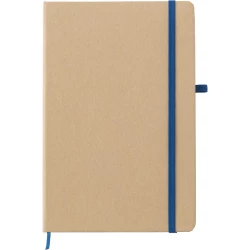
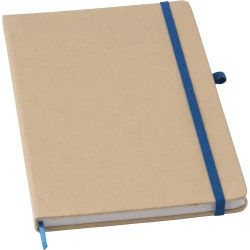
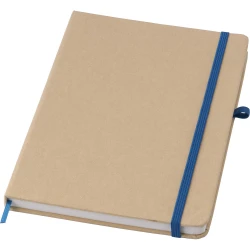
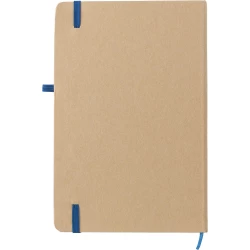
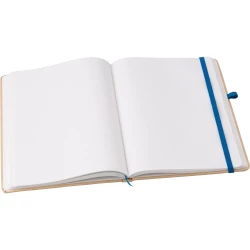
Notebook approx. A5 (V2988-04)
Index: V2988-04
Warehouse: 203
Product reviews
Do you have this product?
Rate Notebook approx. A5 (V2988-04) and help others choose
Add a review
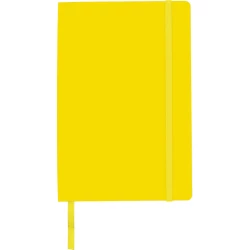
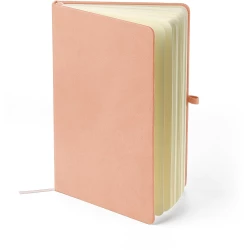
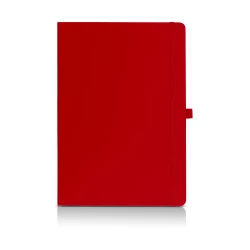
Color variants
Product description
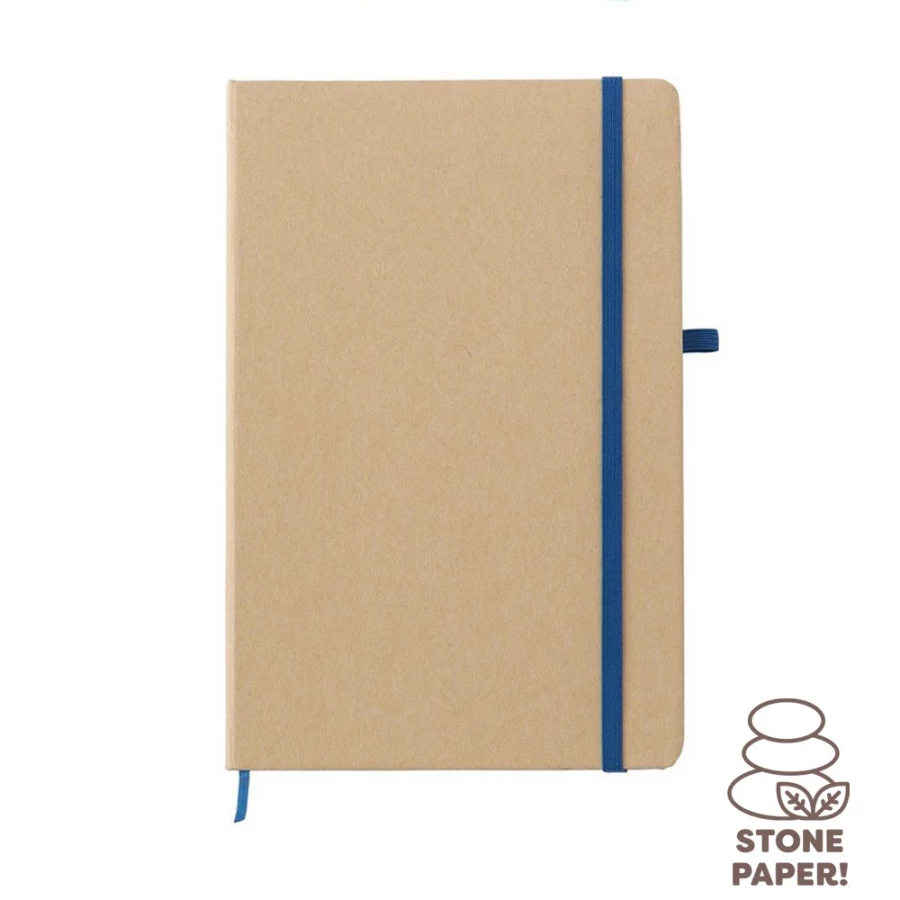
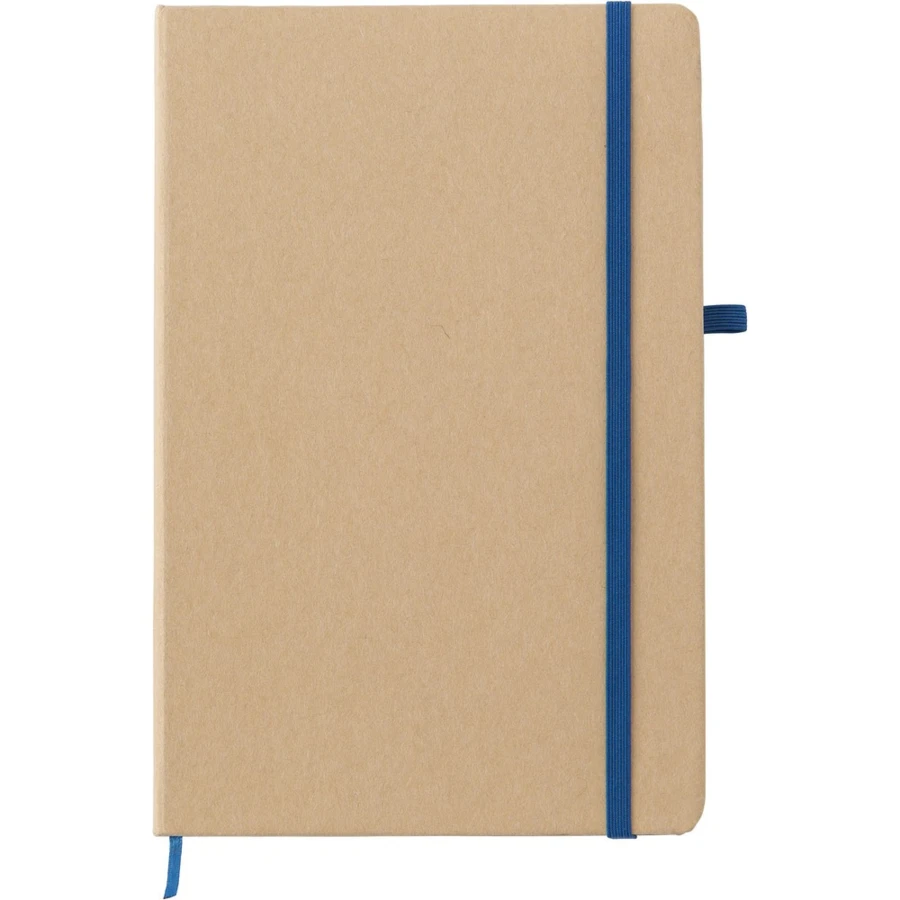
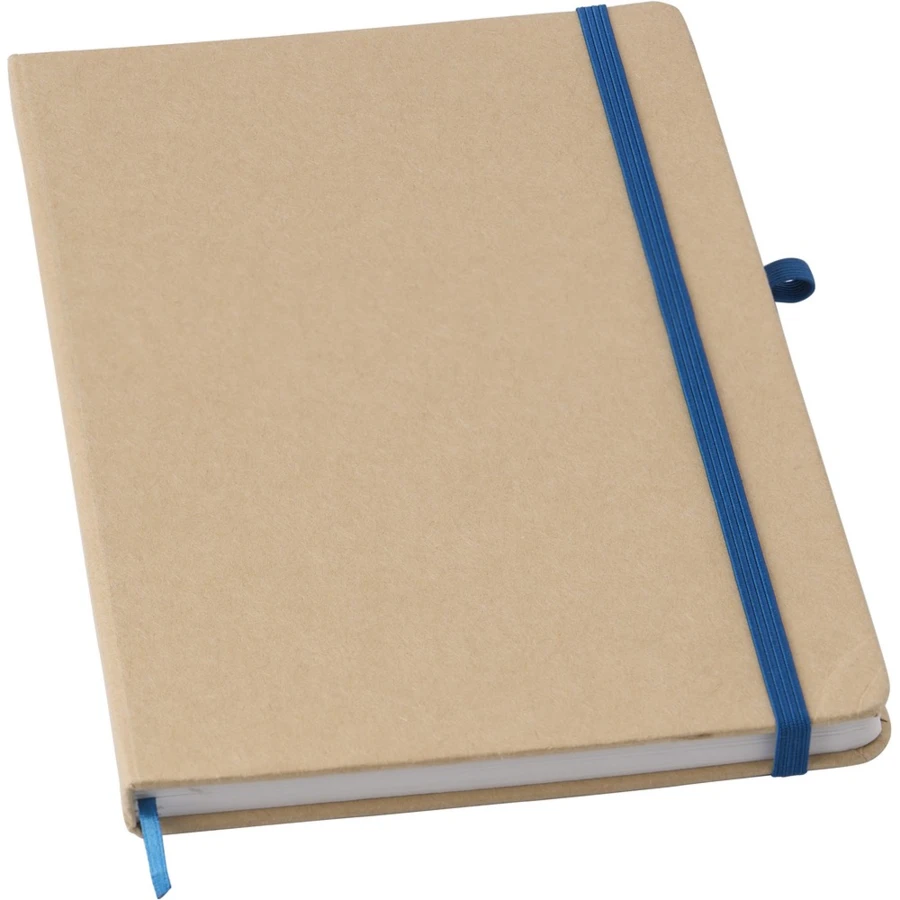
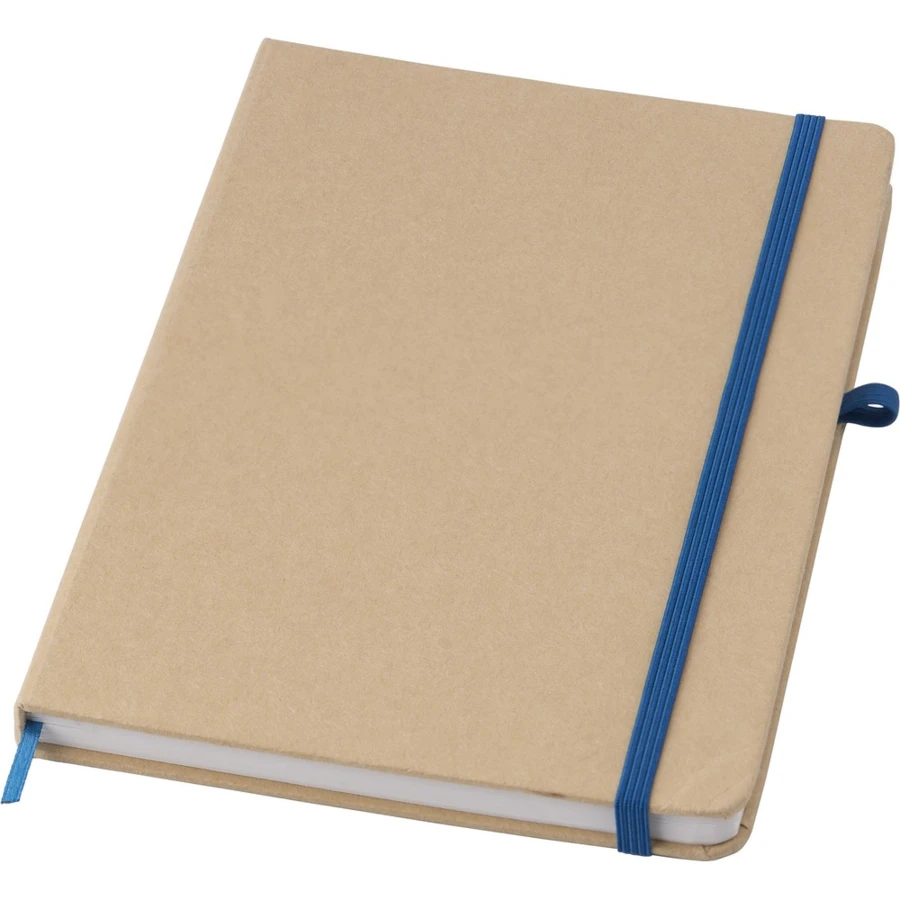
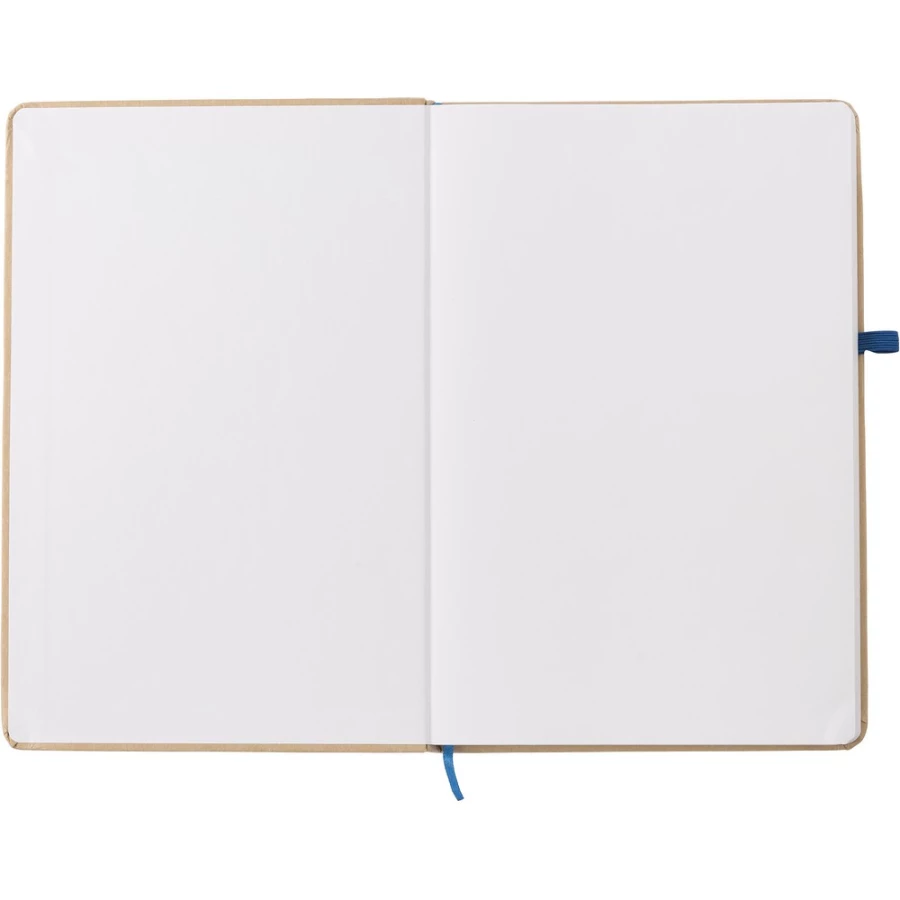
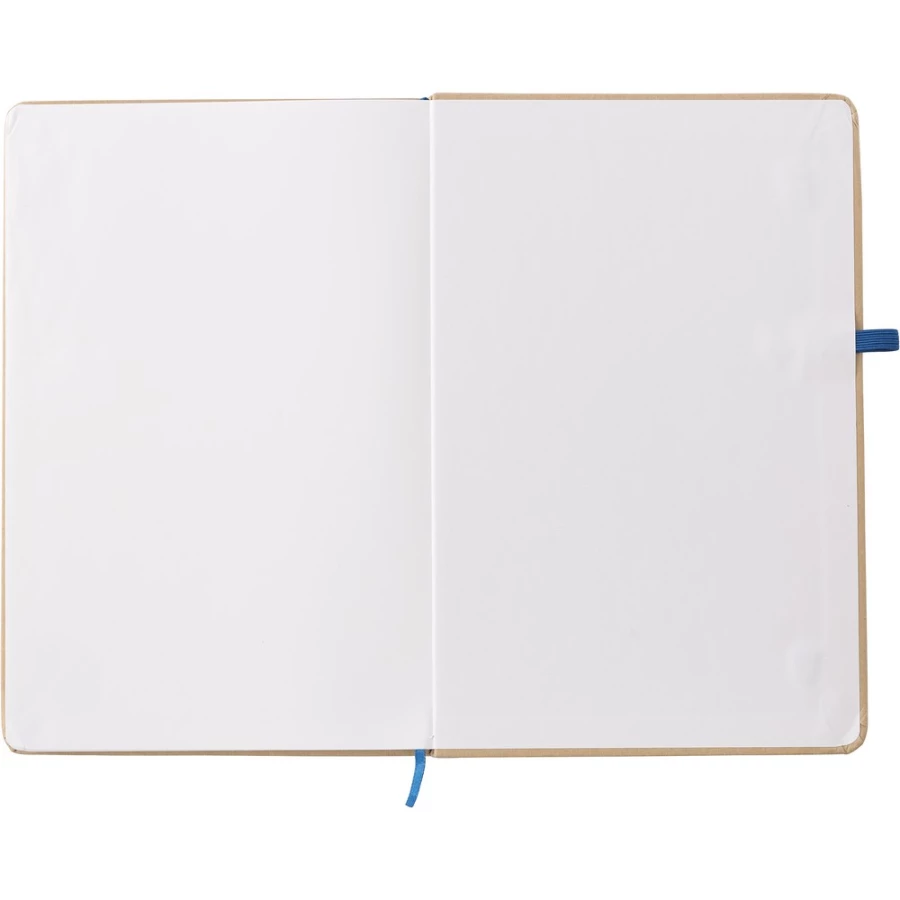
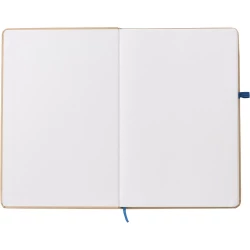
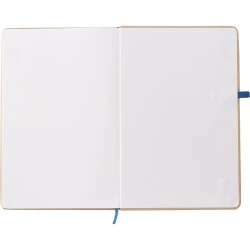
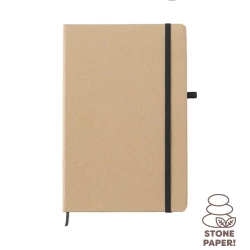
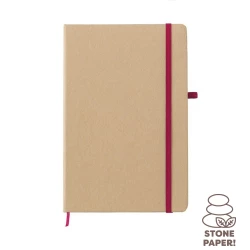
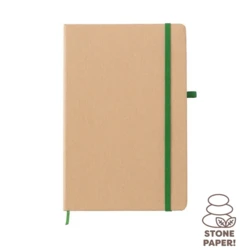
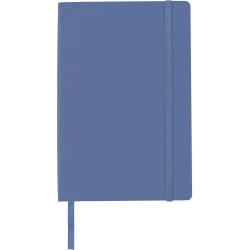
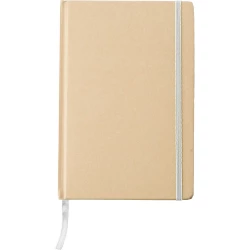
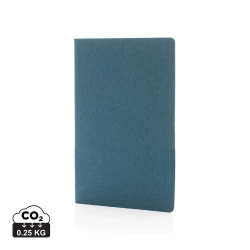
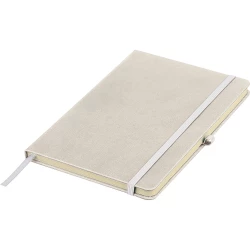
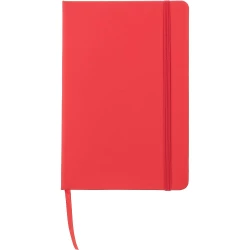
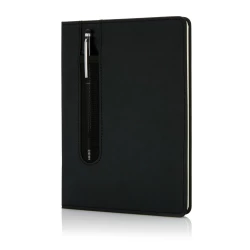
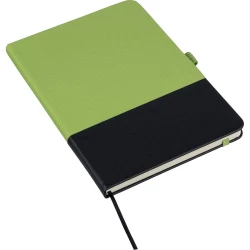
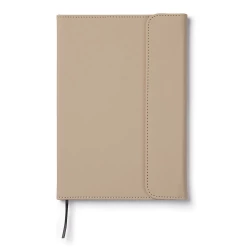
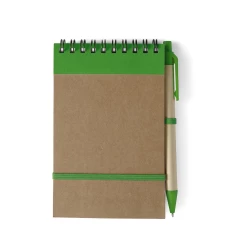
Notebook (approx. A5, 80 lined sheets made from stone paper), cover made of craft paper, elastic band for closing, pen loop
collapse
Parameters
Master Package Quantity:
30
Colour:
royal blue
Material:
papier, papier kamienny
Size:
21 x 14 x 1,2 cm
Weight:
328 g
Master Package Weight:
10,40 kg
Master Package Dimensions:
30,5 x 22,5 x 21 cm
Marking method
Screenprint0
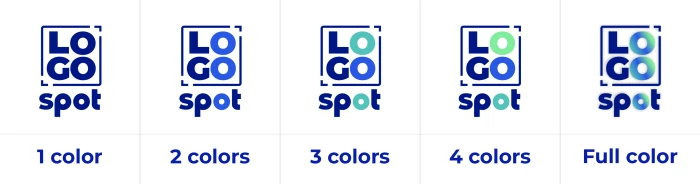
Screen printing involves applying ink to a product using a mesh with small holes through which it passes onto the surface to be marked. In this way, one colour is printed.
For multi-colour logos, several screens are used.
Screenprint2
Screen printing involves applying ink to a product using a mesh with small holes through which it passes onto the surface to be marked. In this way, one colour is printed.
For multi-colour logos, several screens are used.
DDC1
Direct Digital CMYK - A cost-effective technique for creating multi-colour prints
This technique does not involve overprinting,
Therefore, it is particularly suitable for white products. It offers the possibility to print images and tonal transitions. Print files can be bitmaps.
Pad printing2
Pad printing is a technique that uses a flexible pad to apply a logo to a product - it works in a similar way to a stamp. This technique only works for shapes and colours. It does not allow for tonal transitions, i.e. it is not suitable for photographs or shadows. The design for pad printing should be prepared in a vector file.
Doming1 from 15 cm²
Doming involves preparing a permanent sticker with a logo and applying it to the product. The logo is protected with a layer of polyurethane resin, making it durable and scratch-resistant. The sticker is slightly convex. The design can be either a vector or a bitmap.
Full colour UV2 print up to 30 cm²
Full colour UV printing involves printing in full colour on a variety of substrates, at a high resolution of 1440 x 1200 dpi, with UV-curable inks (CMYK + white). Files can be vector or bitmap. Unlike most methods, it offers the possibility to print tonal transitions.
Add a review